So you have unlimited hosting with HyperHost.Mx and you want to control your customers and you don’t know what to do.
Therefore we have created this guide.
Basically, what we suggest is to create your company website.
So you use your coupon to purchase one more hosting – you can get the domain with us or with your favorite registrar and point it to us. (we will appreciate your patronage if you purchase with us, of course).
The second thing you need to do is create your website.
We recommend using WordPress and one of the many amazing templates and builders that are available out there.
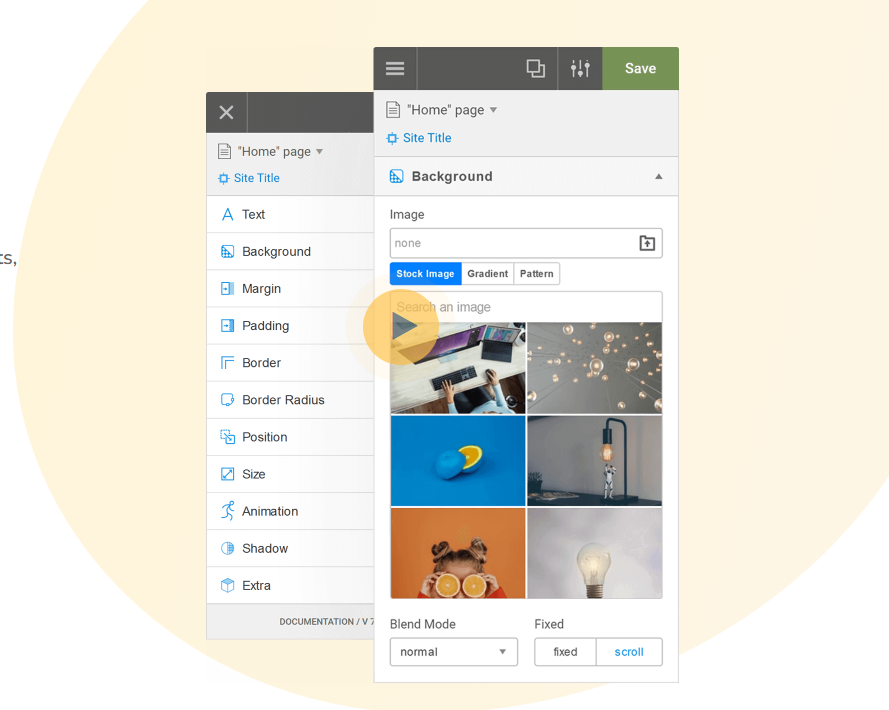
You can also use the web builder that we have in the hosting.
There are now 2 ways (there are more but I will show only 2) to go about it. (Choose one)
1. Install WooCommerce on your WordPress site and run subscriptions through it with PayPal or stripe. You create your products as recurring products and you charge your customer a fee on the time interval that you agree with them. For example, if you include the hosting with a web design for the customer, you can charge for the web design, including the hosting for the 1st year and setup a recurring payment to start the next year only to renew the hosting.
2. Once you have set up your website, you can then create a new Linux hosting account with your sub-domain. (if you need help, just create a ticket and we will help you)
it could be something like panel.yourdomain.com
Inside the Linux hosting we have several apps that you can install to have your agency run like a store or have it as a billing system.
I will suggest Invoice Ninja because it can handle the entire business like a business, and you can bill your customers from it and manage subscriptions.
You go to your Linux CP and click on the invoice ninja icon on the list of quick installs.
After you install it you need to set it up. There are several videos on YouTube on this. We will soon create one for our users. in the meantime check this one out: